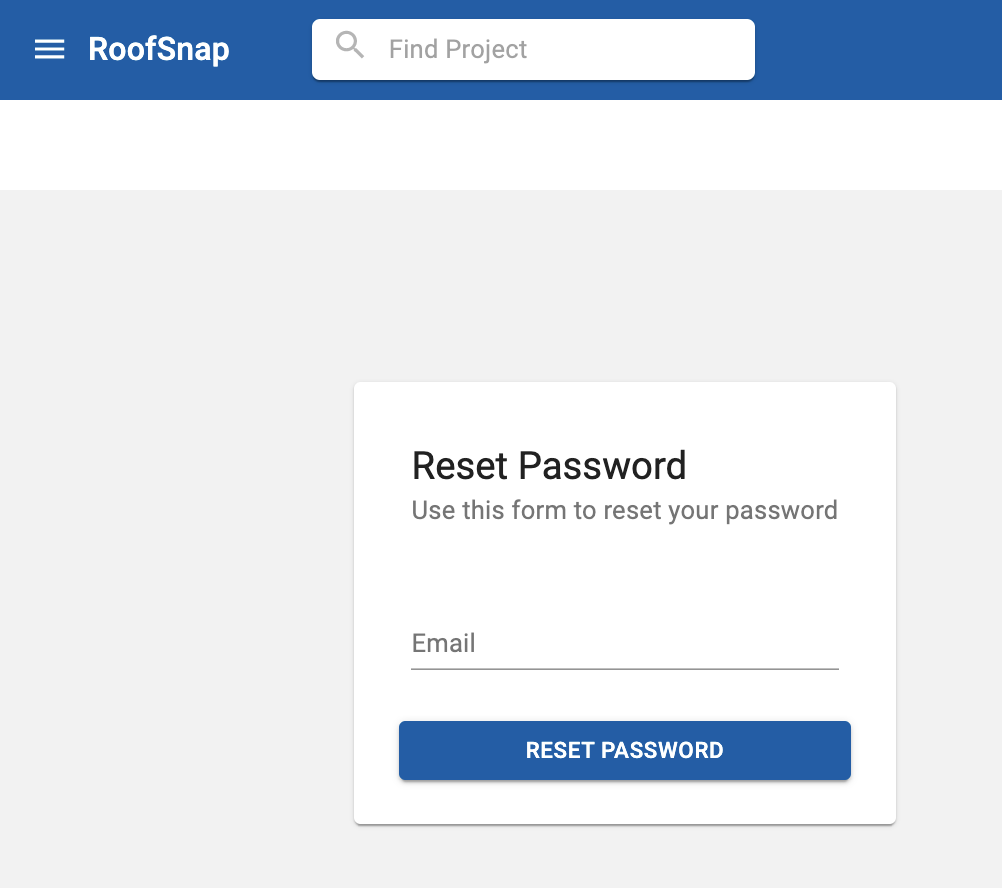
Summary: Visit app.roofsnap.com/resetpassword to enter your email address and click "Reset Password." You'll receive an email; follow the prompts in that email to reset your password.
Reset your password
Change your current password
If you are already logged in and simply want to change your current password, you can do so under the Profile Menu on the top right in the Web App, or navigate directly to: https://app.roofsnap.com/changepassword.
Password requirements
New passwords must contain: a lowercase letter, an uppercase letter, a special character, and a number, and be at least 8 characters long.
When the password requirement has been met, the requirement symbol changes to a green checkmark, if not met it will be a warning icon. The confirm password entry must match.
Once all requirements are met and confirm password matches, the Change Password button is enabled to be clicked to submit the change.